Ways of Organization
Snippets does not force you into a single organizational model. Instead, it offers multiple approaches that can be used independently or combined.
Folders
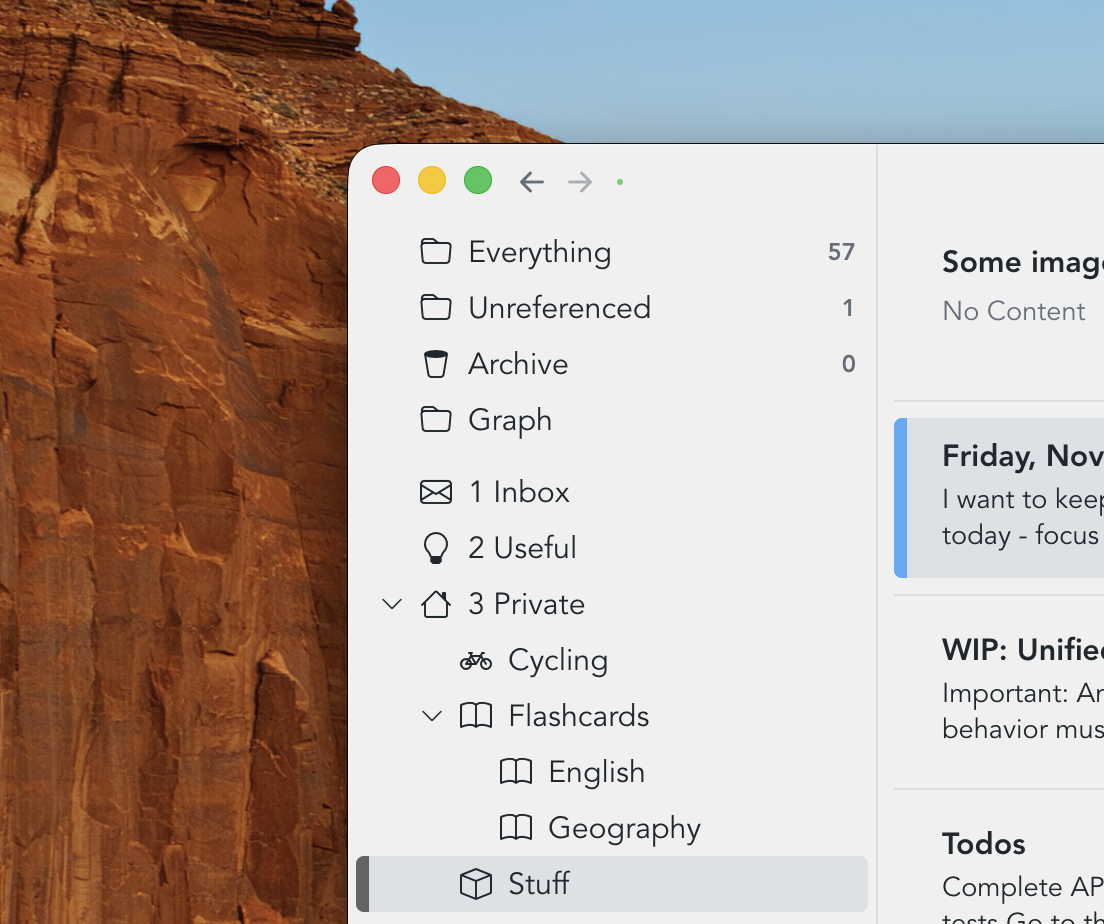
Folders provide a hierarchical way of grouping related snippets. While hierarchical organization is sometimes criticized for being too rigid, folders continue to be highly effective for broad, stable structure. They can be nested, and icons can be added to make sections easier to recognize at a glance.
Dashboards
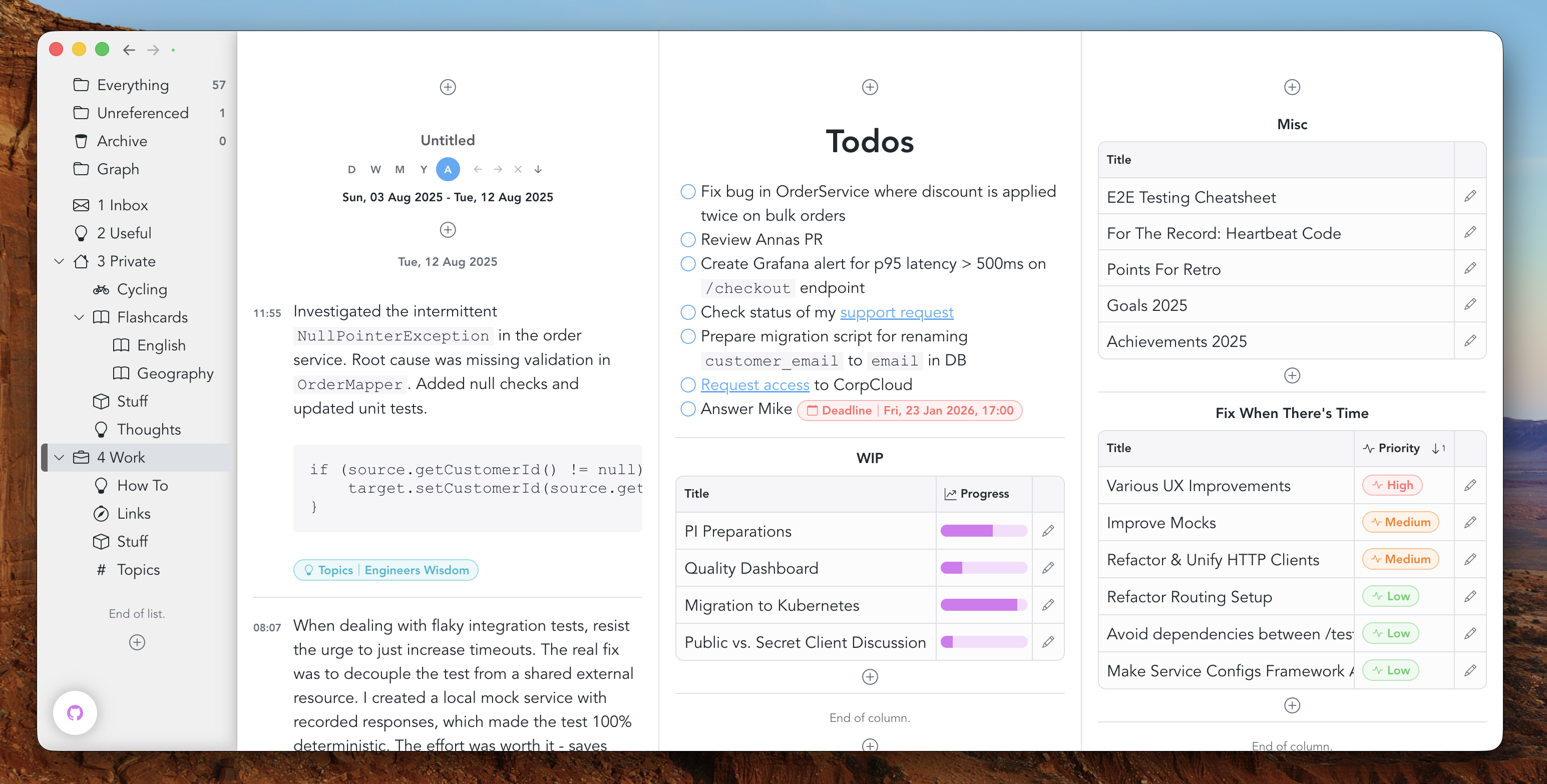
Dashboards offer a more visual way of working. They provide a two-dimensional workspace where multiple elements can exist side by side, making it easy to keep related information together. Rather than relying on hierarchy, dashboards support spatial organization: content is arranged visually, and relationships emerge from layout and proximity. This makes dashboards especially well suited for overviews, projects, and workflows where seeing multiple pieces of information at once is valuable.
Snippet references
Snippets can be linked together through references. References allow you to connect related pieces of information without placing them into a fixed hierarchy. This makes it possible to navigate quickly between ideas, follow chains of thought, and build a network-like structure where meaning emerges from connections rather than location.
Attributes
Attributes can be used for tagging. Tagging is helpful when you want to organize things in a more flexible way: instead of placing content into a specific location, you simply assign attributes to it. You can then, for example, filter by those attributes later.

Collections
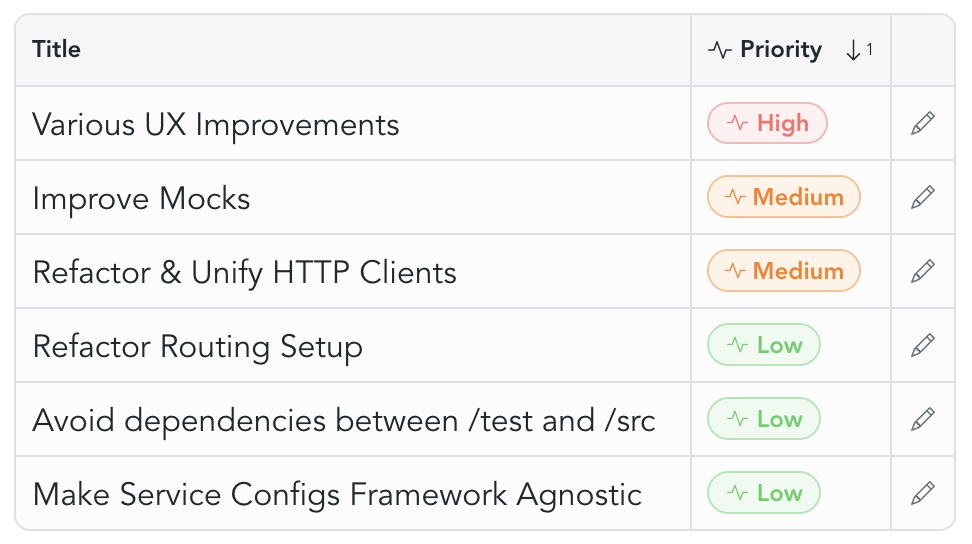
Collections reference other snippets and offer a variety of display modes. They can be placed on dashboards, and you can choose which fields or columns to display.
Filters
While folders, dashboards and containers explicitly reference specific items, filters turn the relationship around: they implicitly reference items based on matching criteria. Snippets supports a wide range of filtering capabilities.