Note-Taking That Grows With You
iOS Beta
TestFlightRich text editing done right
Writing should feel easy and peaceful.
Forget clumsy block-based note apps, poorly designed rich-text editors, and the chaotic, jumpy feel of markdown-first tools.
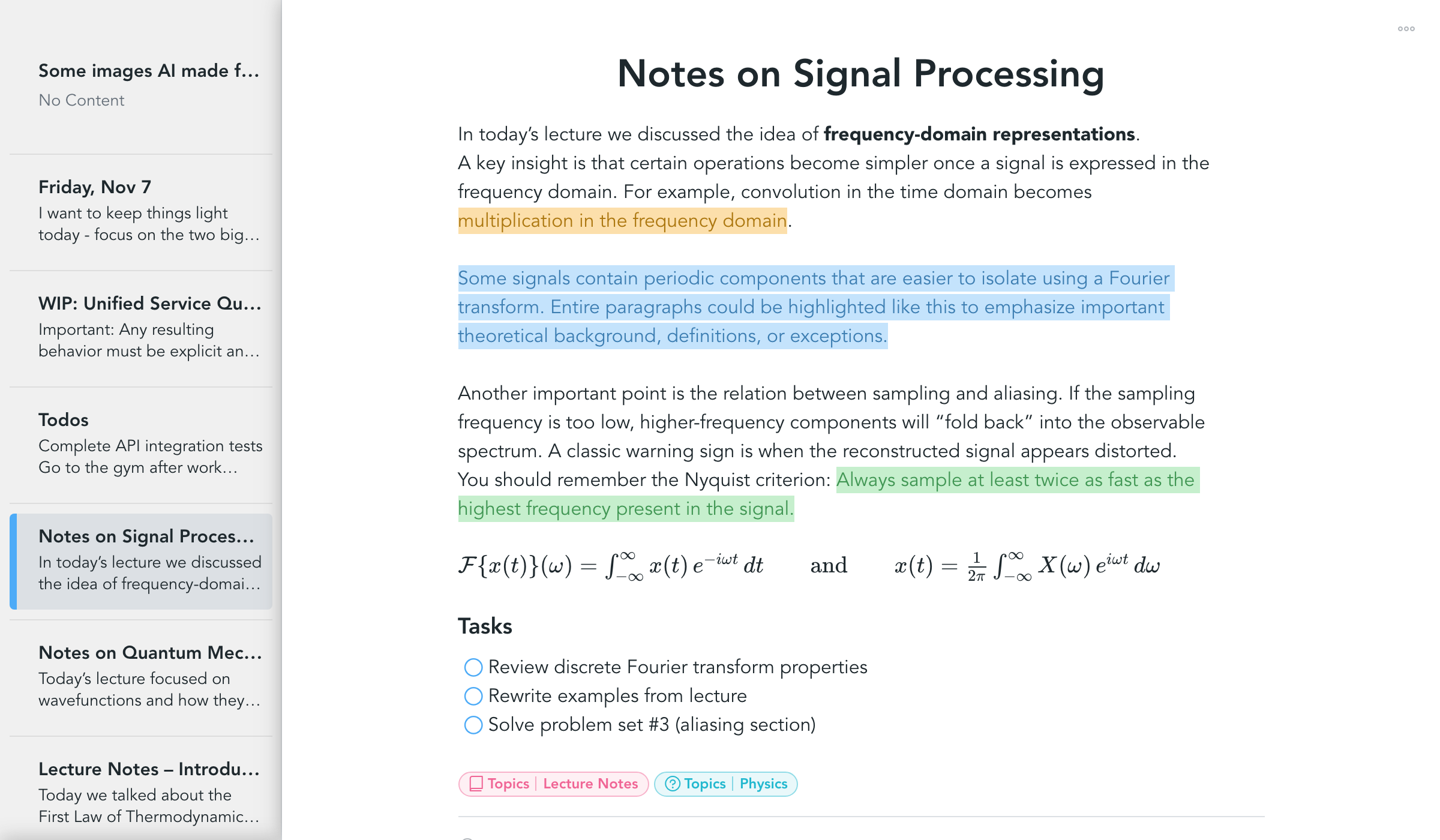
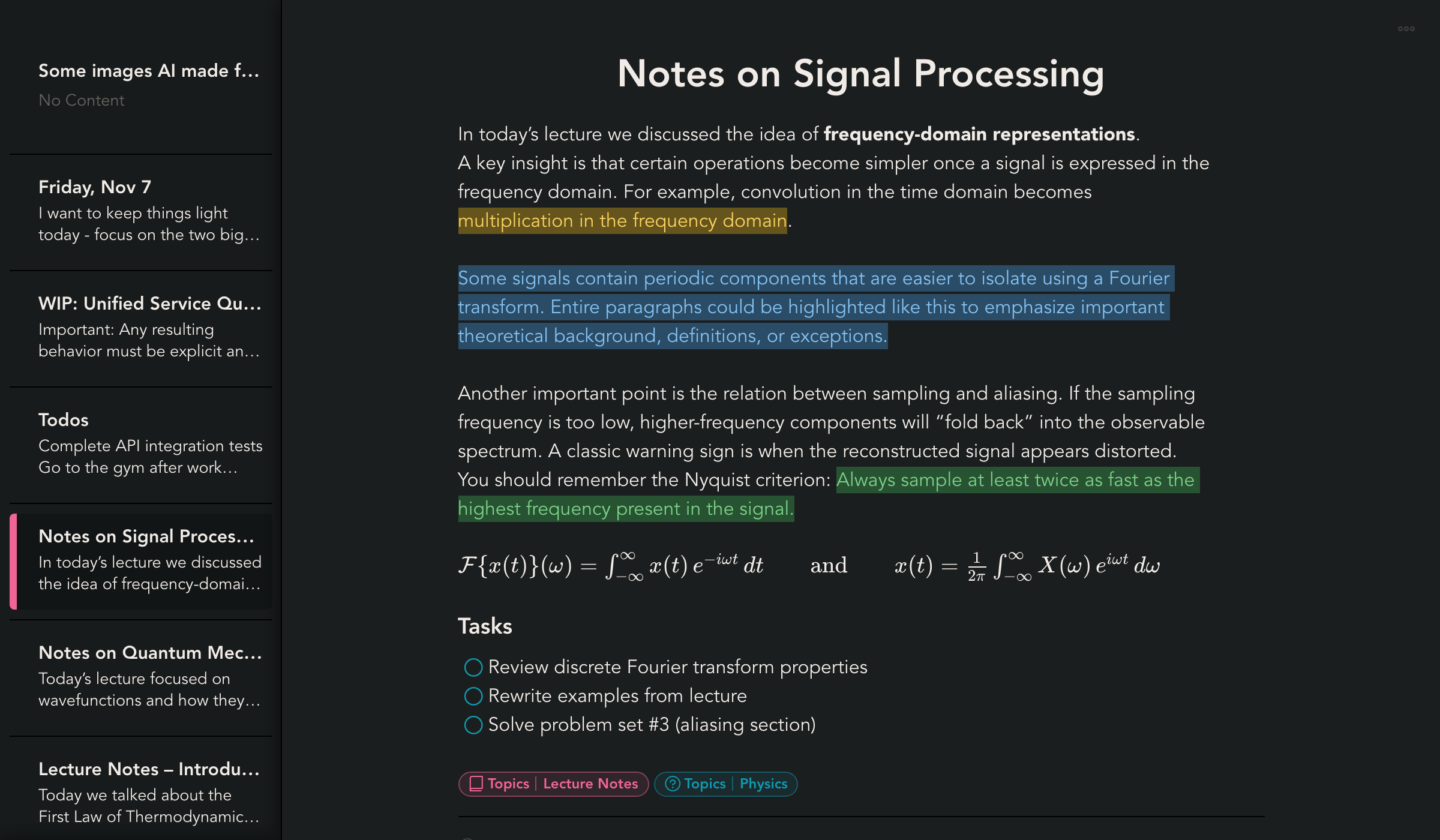
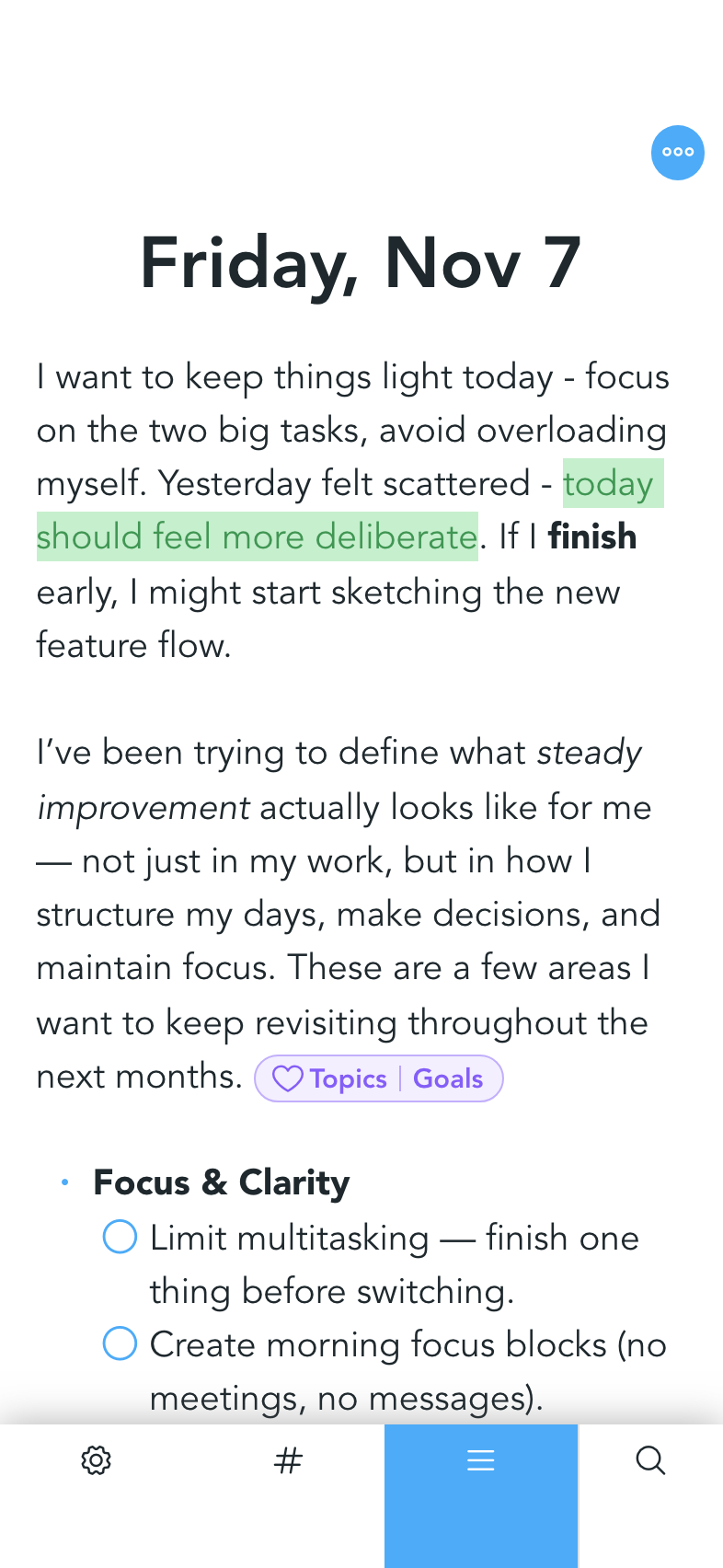
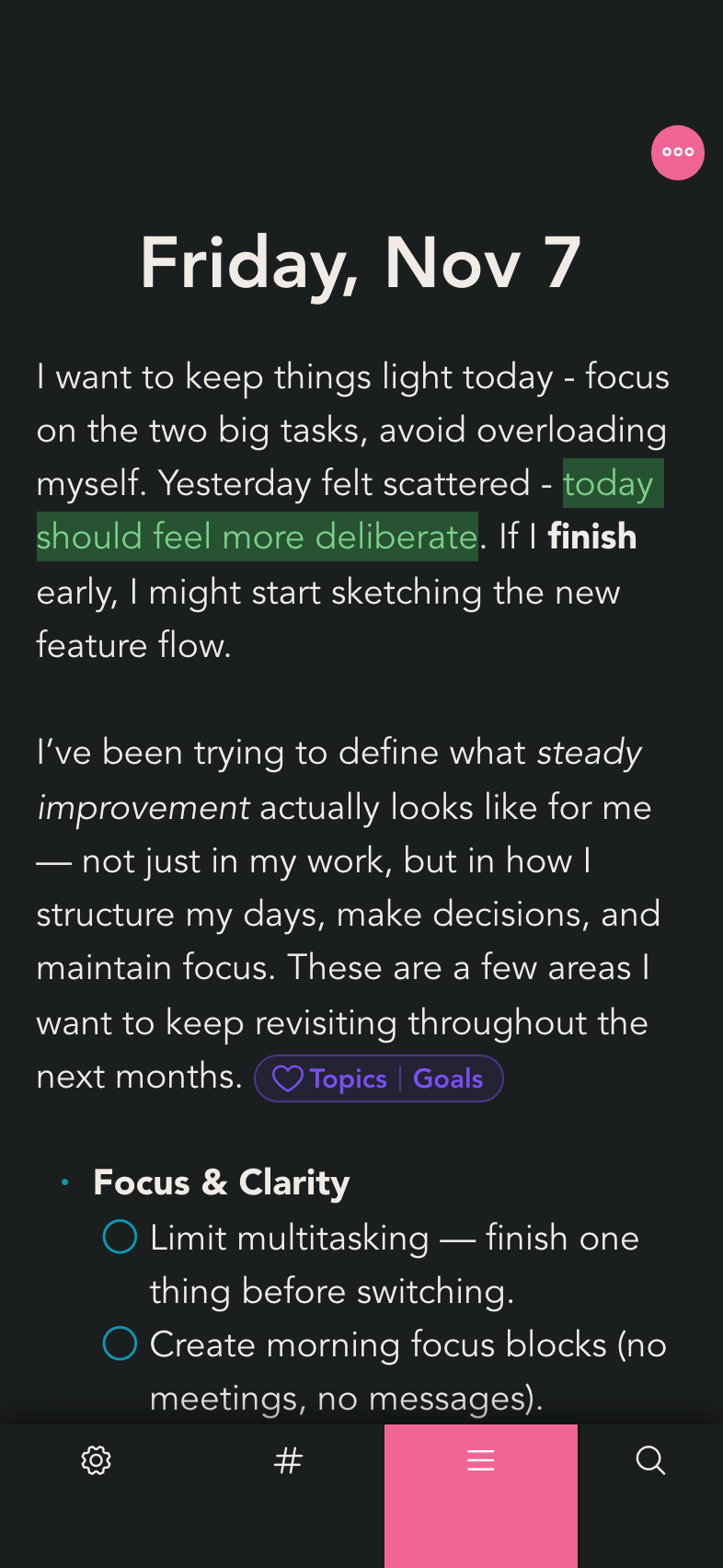
Snippets features a carefully crafted rich-text editor that delivers a calm and genuinely pleasant writing experience.
- Use of markdown syntax: Use markdown-like syntax to create formattings. For example, type # followed by Space to create a heading.
- Easy creation and destruction of formattings: Use Space for creation and Backspace for destruction. For example, place your cursor at the beginning of a heading and press Backspace to destroy the formatting. Hit Space to recreate it.
- Jumping in and out of formattings: Jump in and out of formattings with ArrowLeft and ArrowRight. For example, place your cursor in front of bold formatting, press ArrowLeft to enter the bold formatting, then continue writing in bold. Escape the formatting by pressing ArrowRight.
- Drag and drop: Double-click at the end of a paragraph or list item to select the node. Drag and drop the selection to any other place within the document.
No Constraints
Easily create and work with complex rich-text structures - such as nested blocks, embedded elements, references, and mixed content - without fighting the editor. Content stays structured, predictable, and easy to extend, even as documents grow in size and complexity.
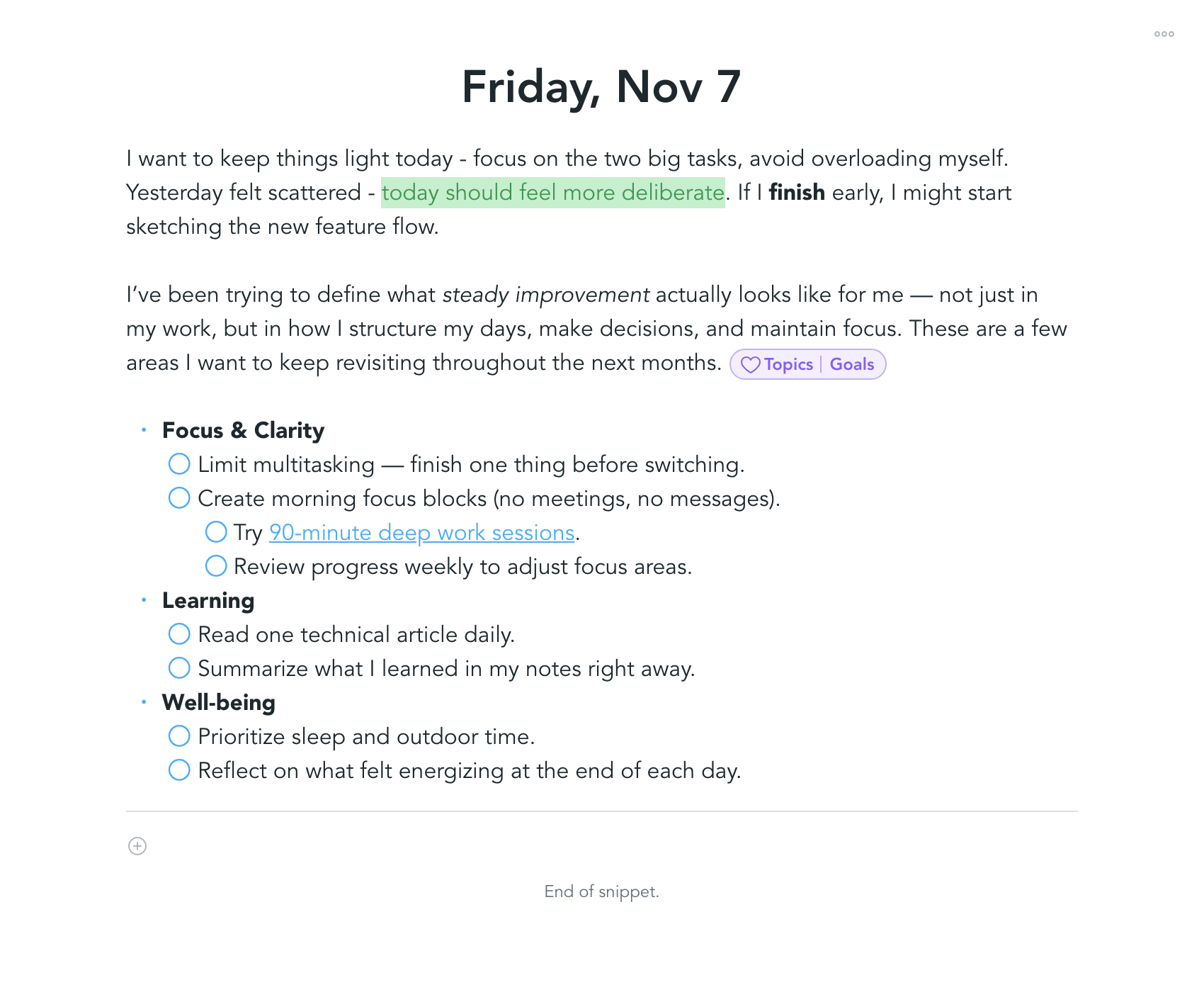
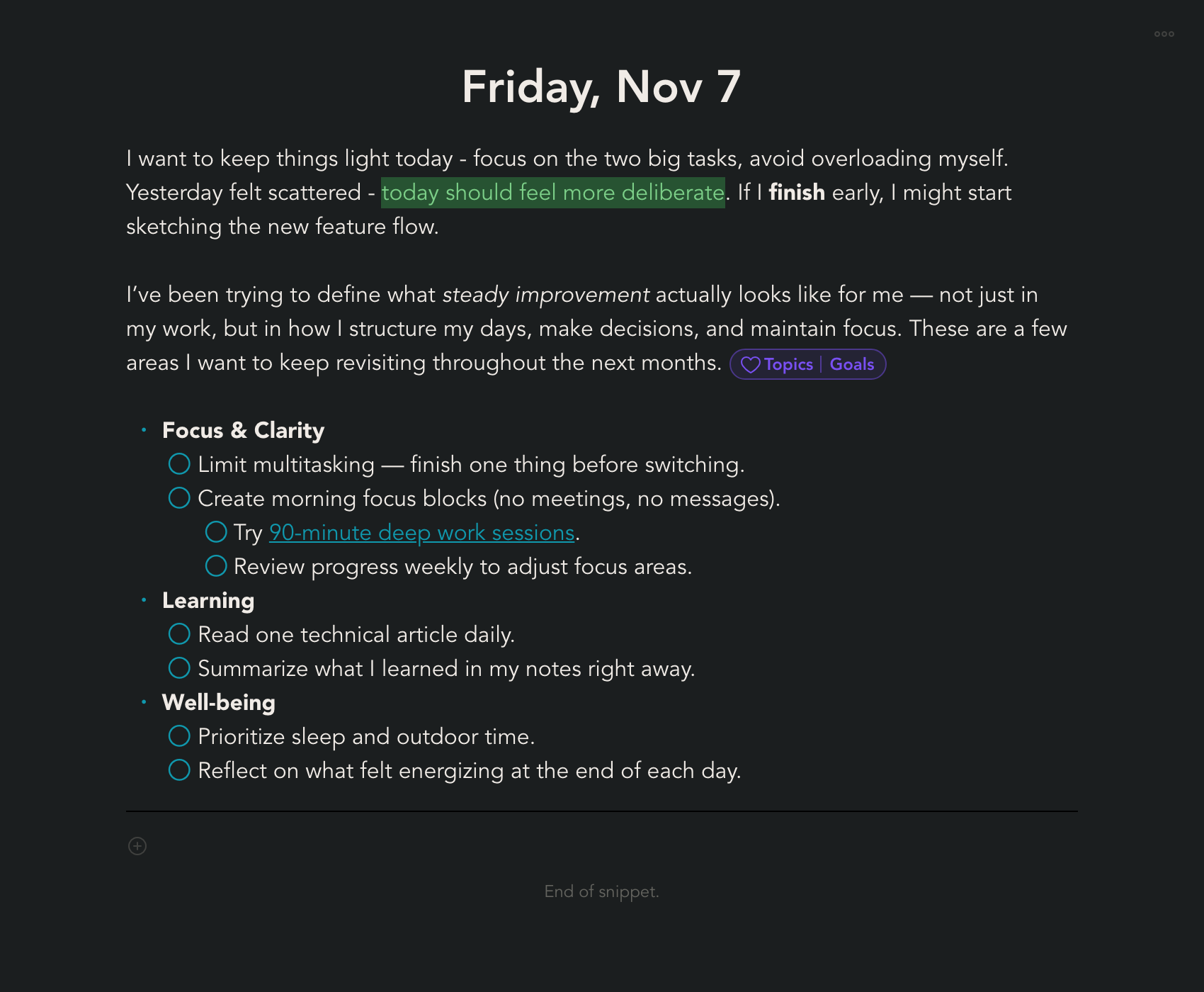
Todo Lists
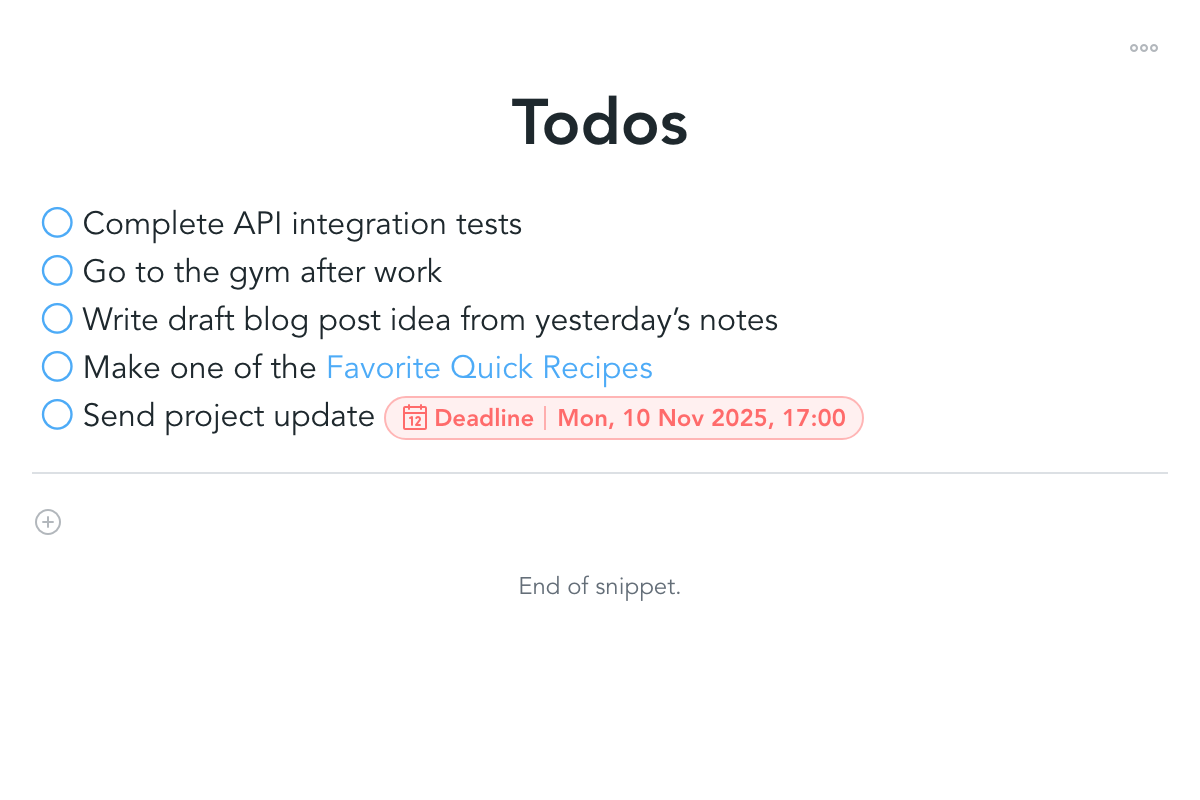
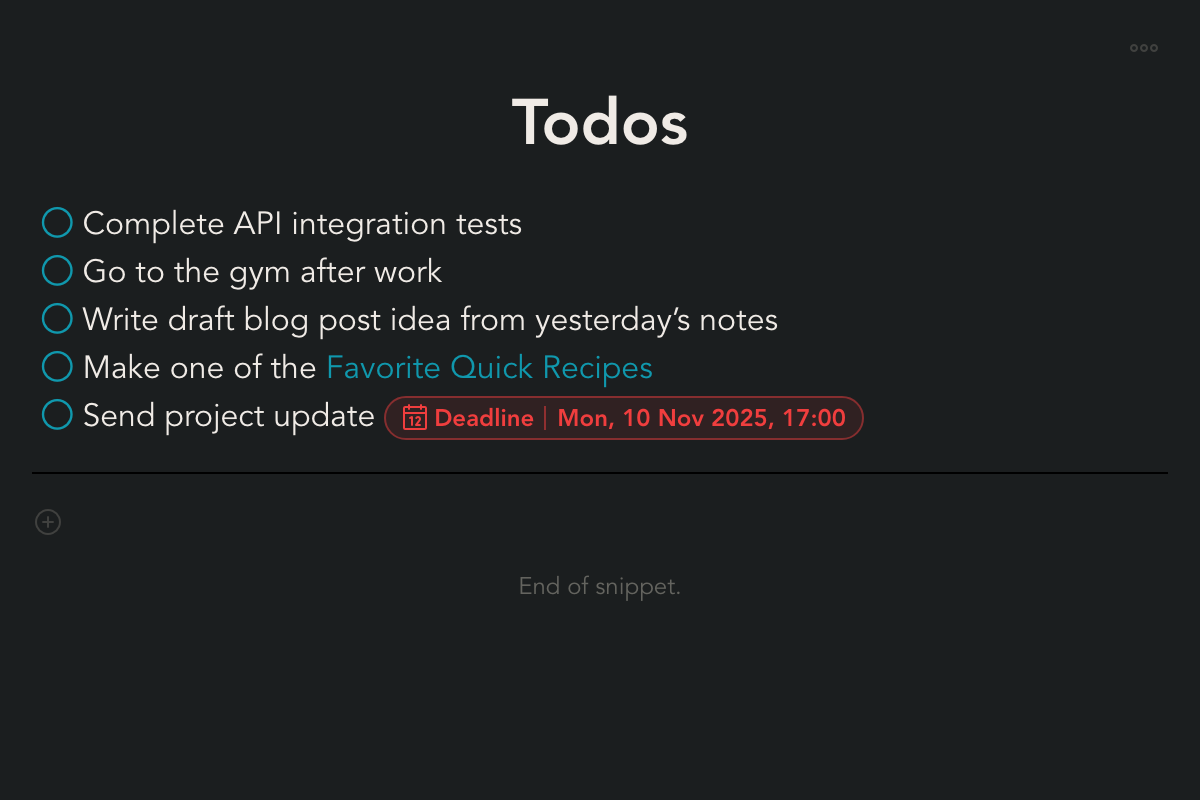
Create and manage todos in a simple, structured way. Organize tasks, mark progress, and keep your work visible without unnecessary complexity.
Images
Copy-paste or drag images. Make it look nice with the panorama mode. Resize to a preferred size, or let it take the full width.
Purposely not Markdown-Based
Snippets is intentionally not based on Markdown. Markdown works well for technical documentation and collaborative workflows where content lives in version control. For note-taking, it quickly becomes a constraint.
By moving beyond Markdown, Snippets can rely on rich, structured data instead of plain text files. This enables far more expressive content and supports a wide range of use cases without forcing everything into a text-only format. Concerns about vendor lock-in are addressed through a simple export-to-Markdown option.
Dashboards
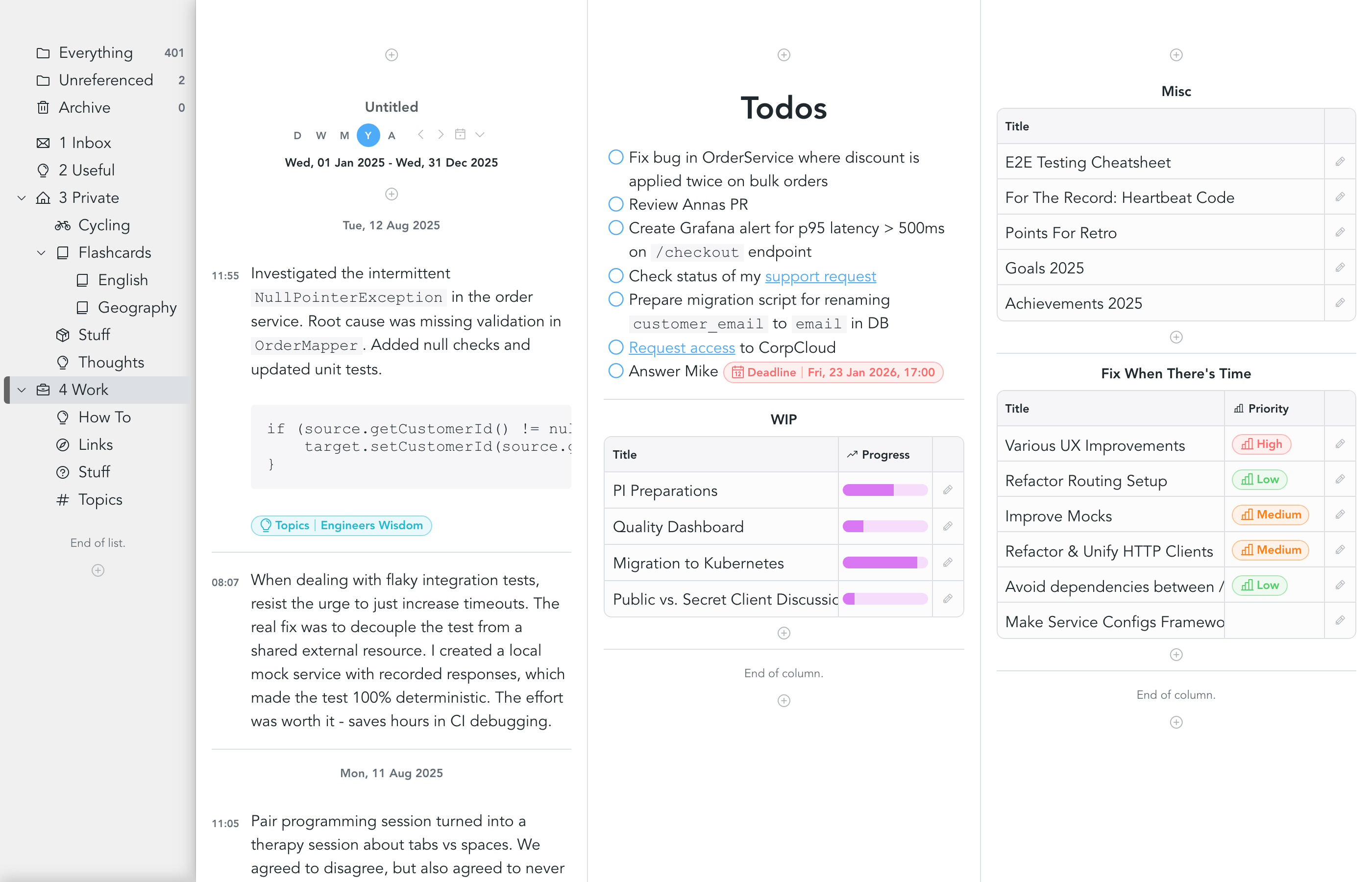
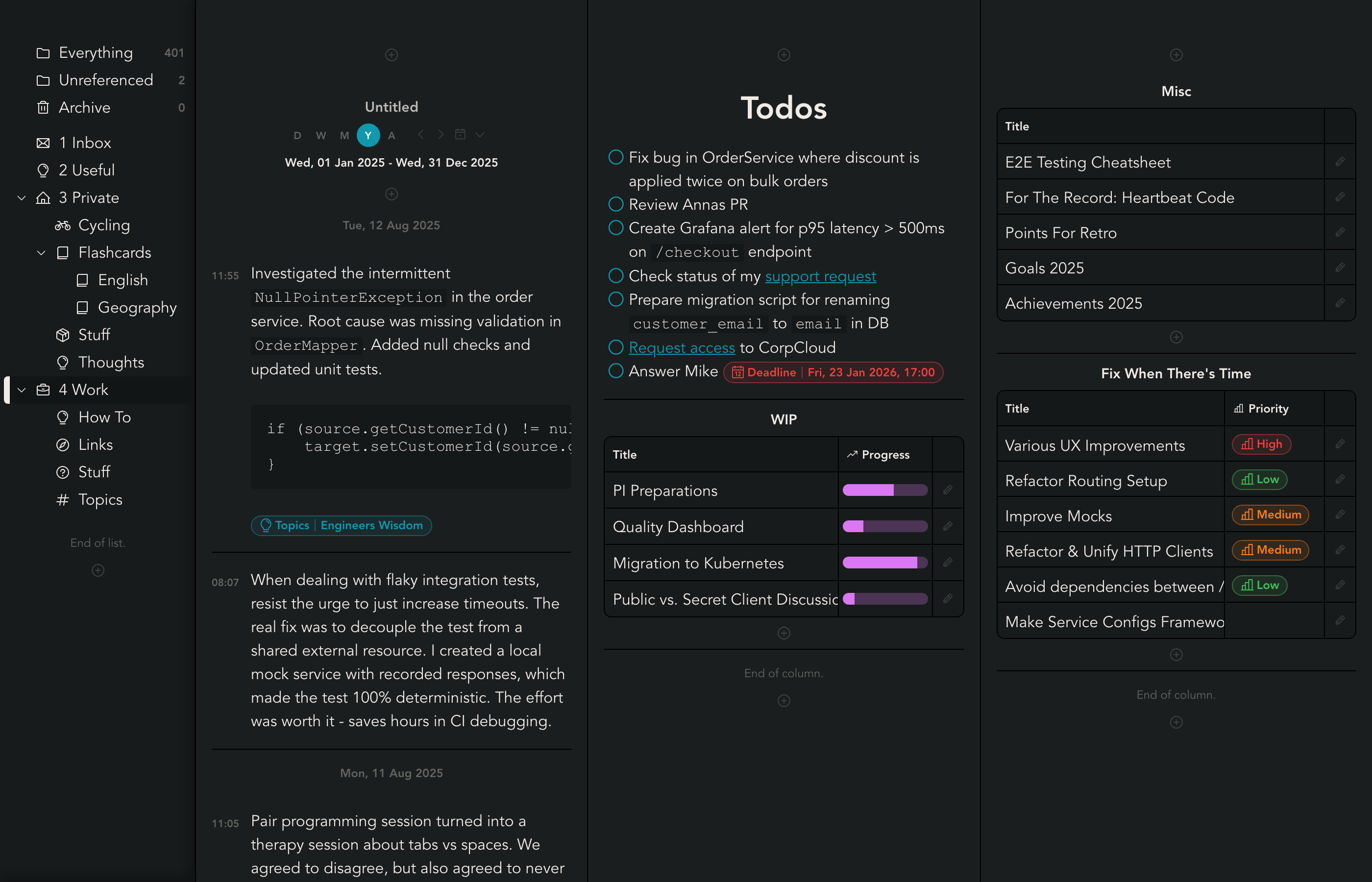
Everything in one place.
Put notes and tables alongside each other to keep related information together. Snippets gives you a flexible workspace where ideas live side by side and are easy to find through visual structure.
Sync withanything
Your data, your choice.
Local
Keep your data on your device and sync using the local file system. Designed for maximum privacy.
GitHub
Sync with a private GitHub repository. Changes are synced instantly via HTTP - no manual commits required. Works on mobile, too.
Self-Hosted Coming Soon
Run your own backend and stay fully in control of your data. Perfect when ownership, privacy, and cross-device sync matter most.
Snippets Cloud Coming Soon
Use our own cloud service for automatic, cross-device syncing. Your data stays seamlessly up to date everywhere, with zero setup or maintenance required.
Export to markdown
Avoid vendor lock-in, keep your data forever.
End-to-end encryption
Keep your data private even when it leaves your device. With end-to-end encryption, your notes are encrypted before syncing and can only be decrypted with your own secret.
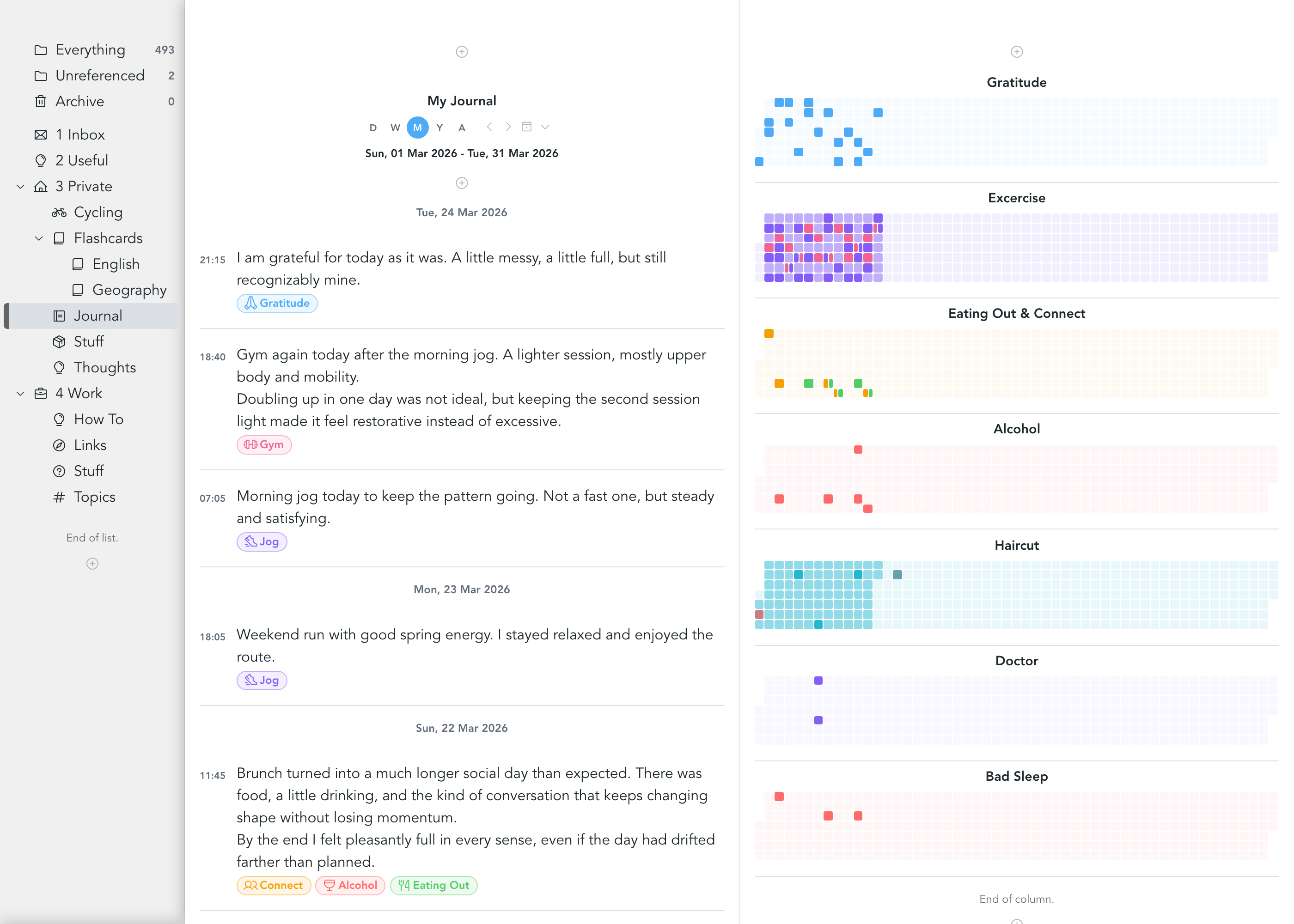
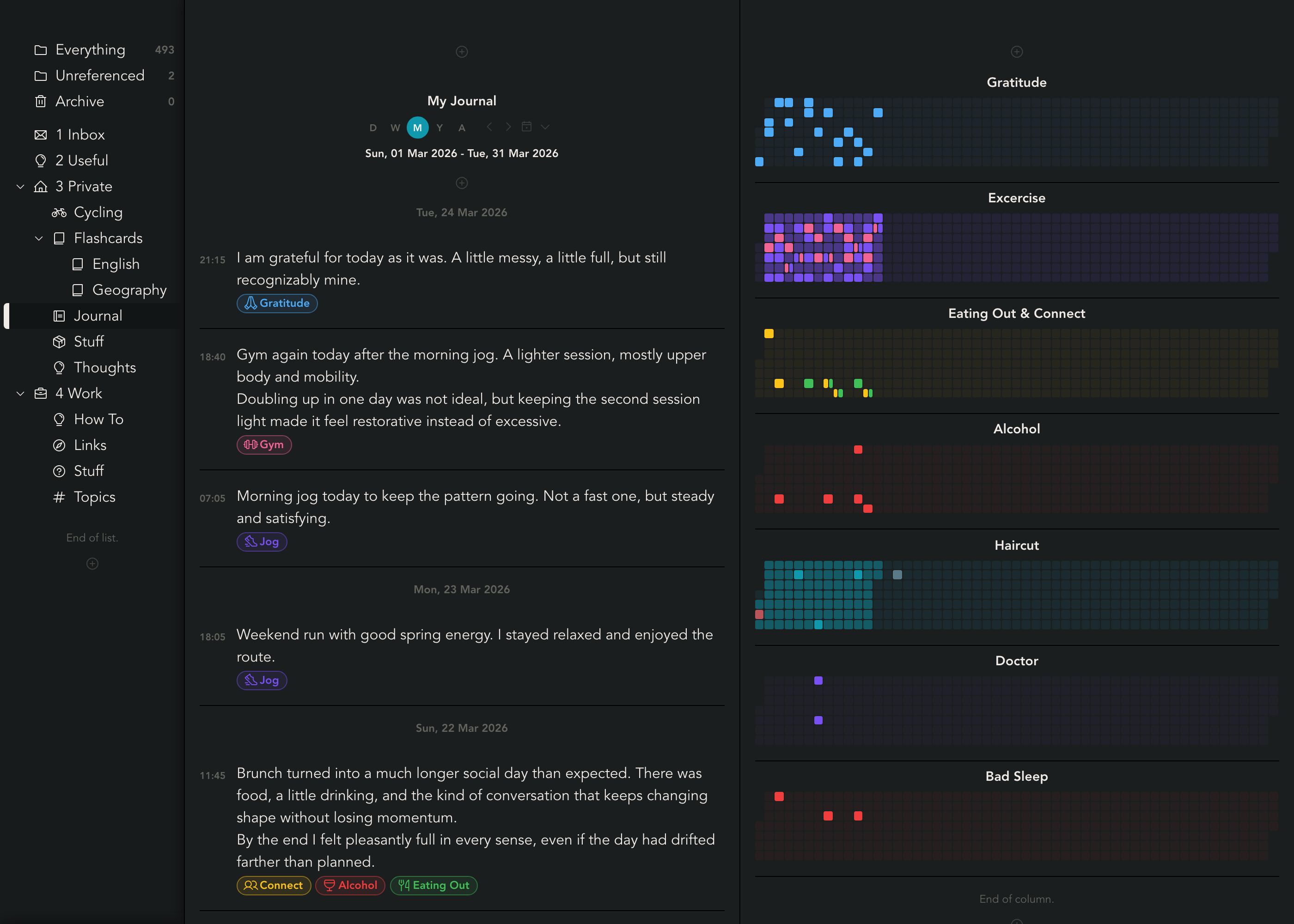
Journaling and Habit Tracking
Build a daily practice around your notes. Capture journal entries, review progress over time, and keep habits visible in a calm, structured workspace.
Spaced Repetition With Flashcards
Snippets is all about taking notes. In Snippets, a "Note" is in fact called a "Snippet" (hence the name "Snippets"). A Snippet is a piece of data that can be represented in a graphical user interface.
When taking notes, you will be using the Rich Text Snippet. It represents some text on which you can apply formatting such as titles, sub-titles, quotes, code blocks, bold and italic text, etc.
In the following section, you will learn about another Snippet type, the Flashcard Snippet, which is very similar to a Rich Text Snippet, but comes with additional functionality, allowing you to use Snippets as a spaced repetition app.
Flashcard Snippet
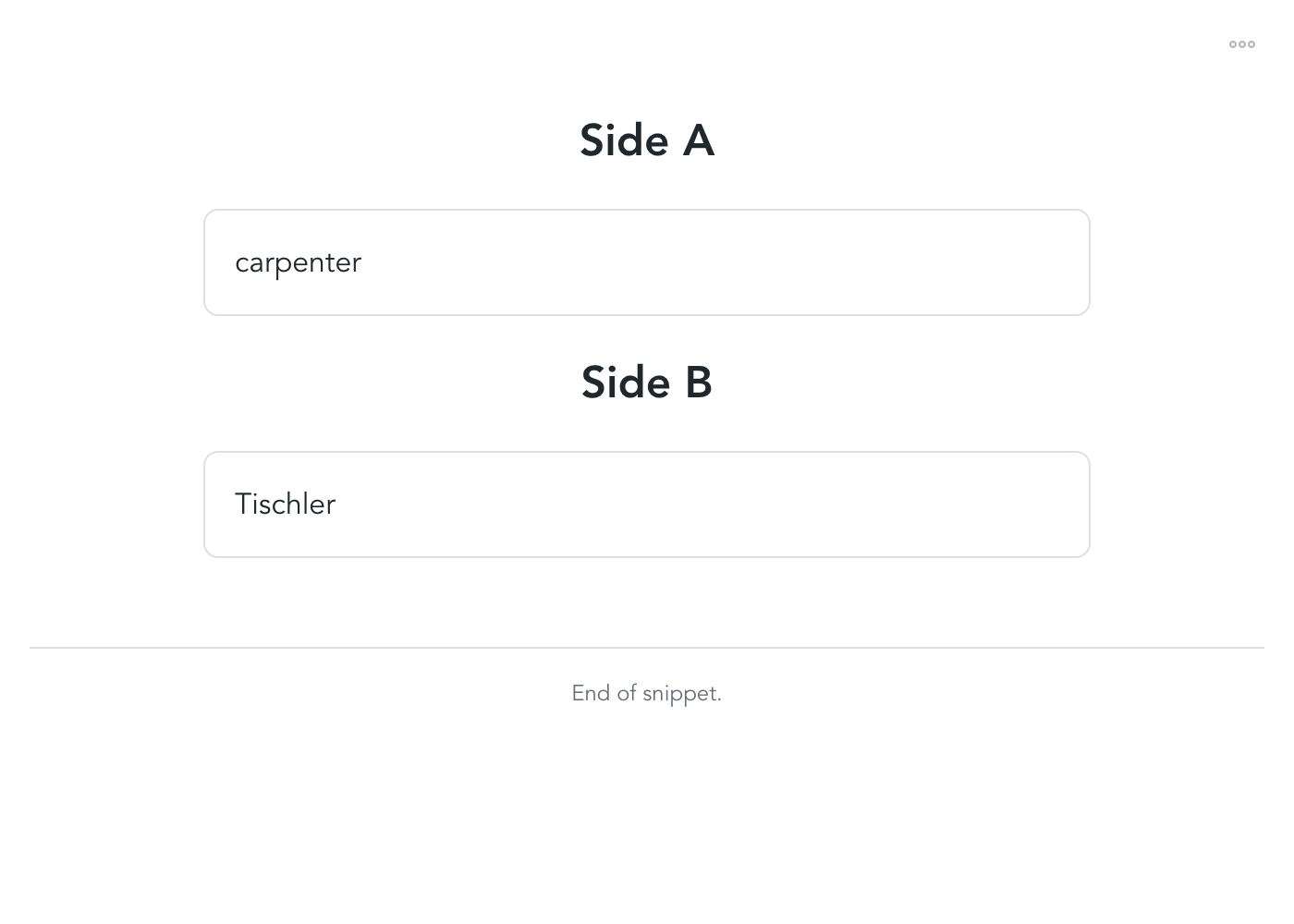
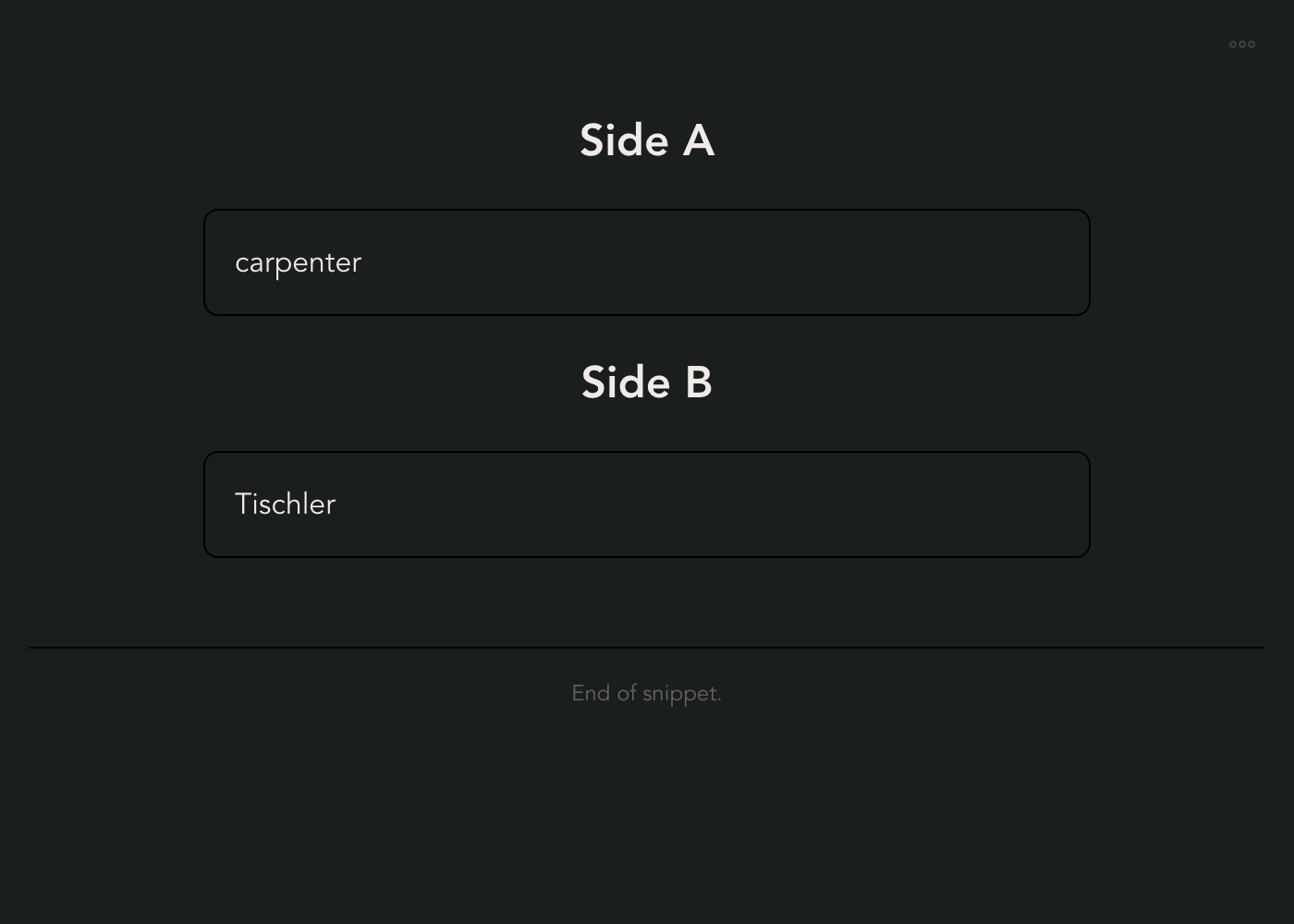
Conceptually, a flashcard snippet is identical to a real world flash card: It has two sides, where one side is a question or prompt, and the other side is an answer or information. For example, this can be used for learning a new language.
Dashboard
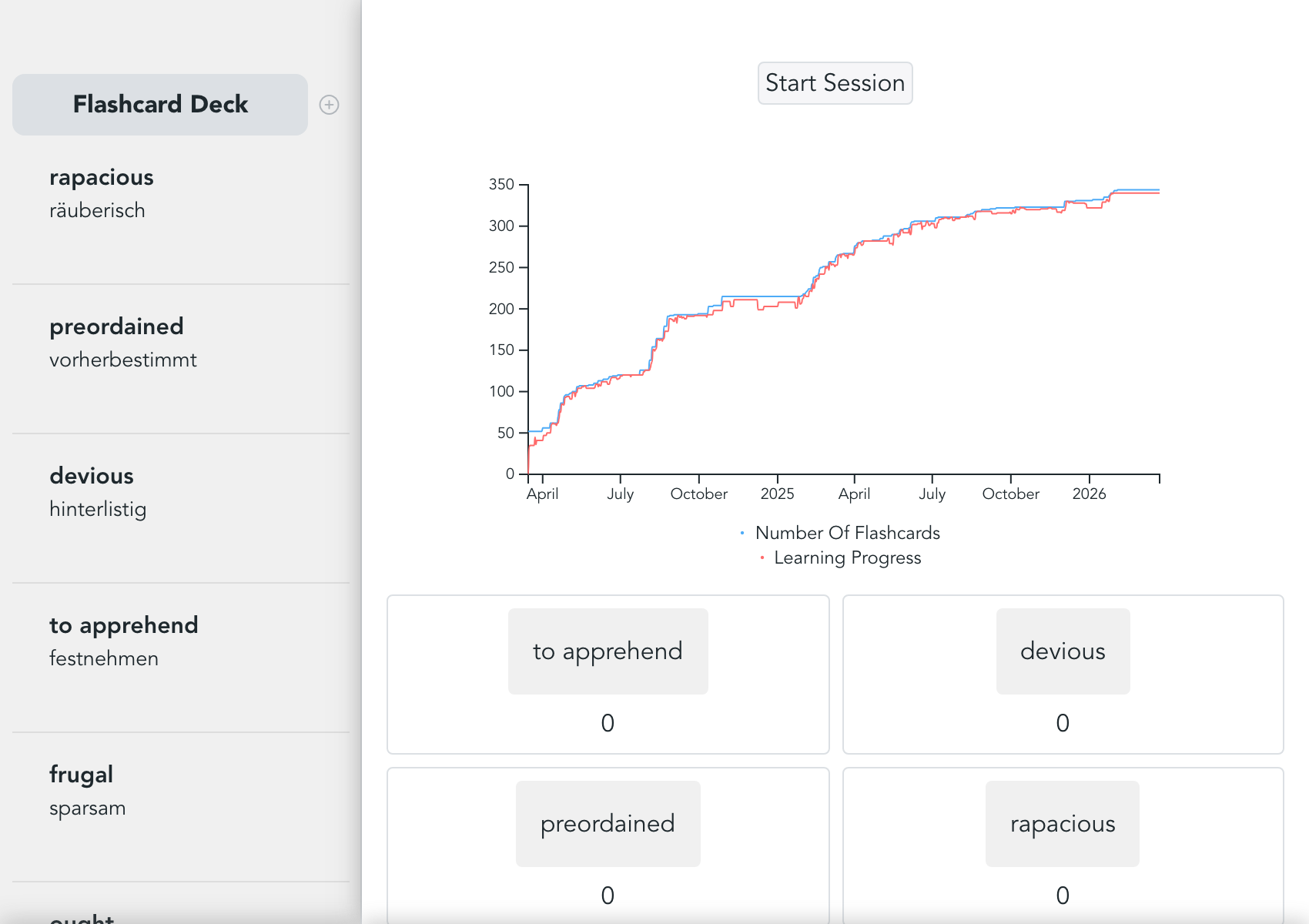
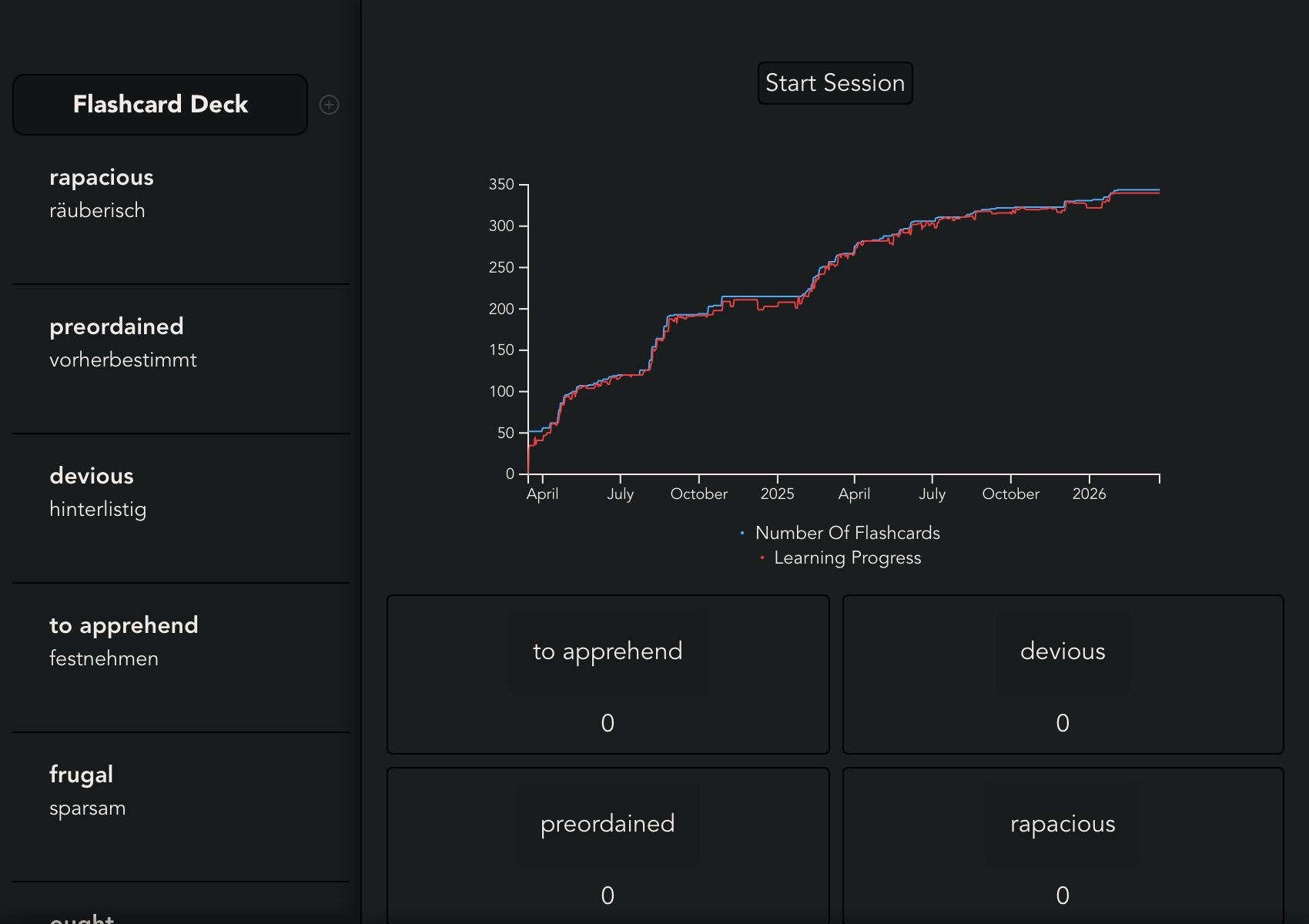
The Dashboard gives an overview of all the flashcards in this folder. It shows your learning progress over time and lists all flashcards ordered by relevance. The relevance of a card is calculated through a scoring algorithm.
Session Wizard
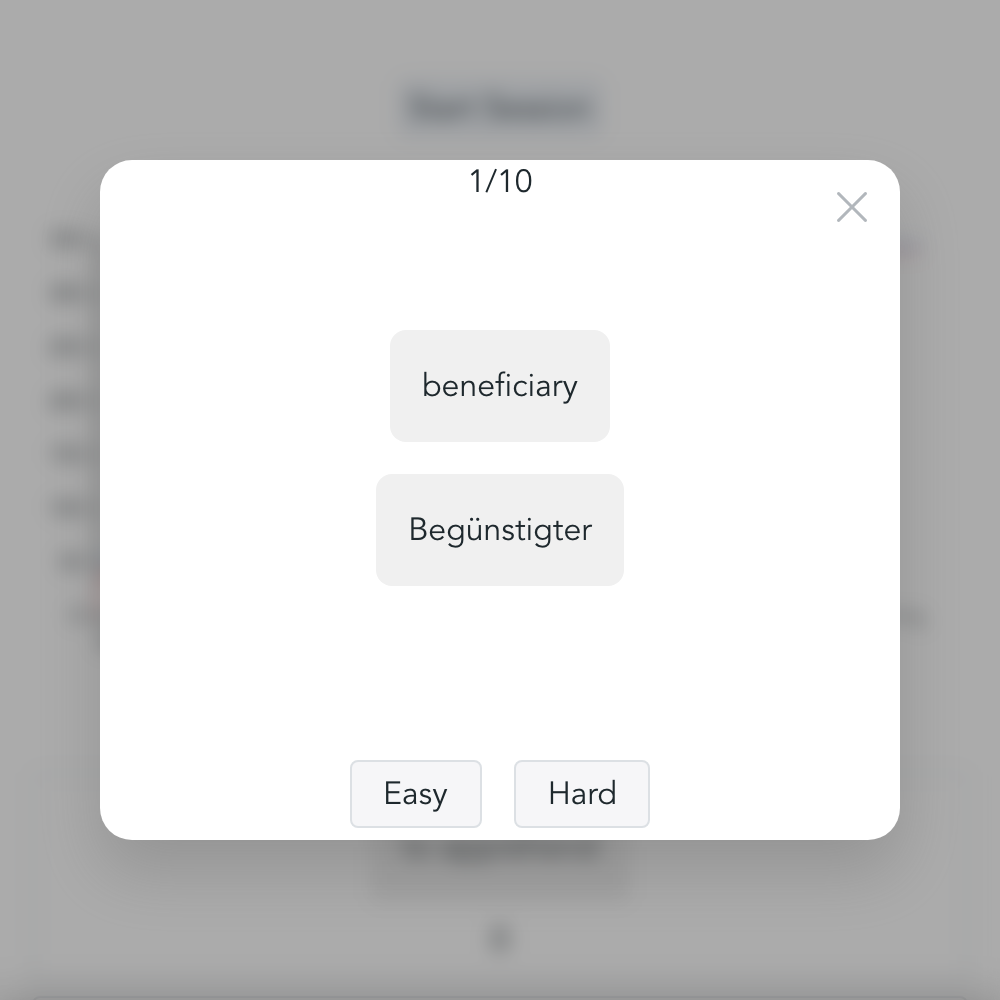
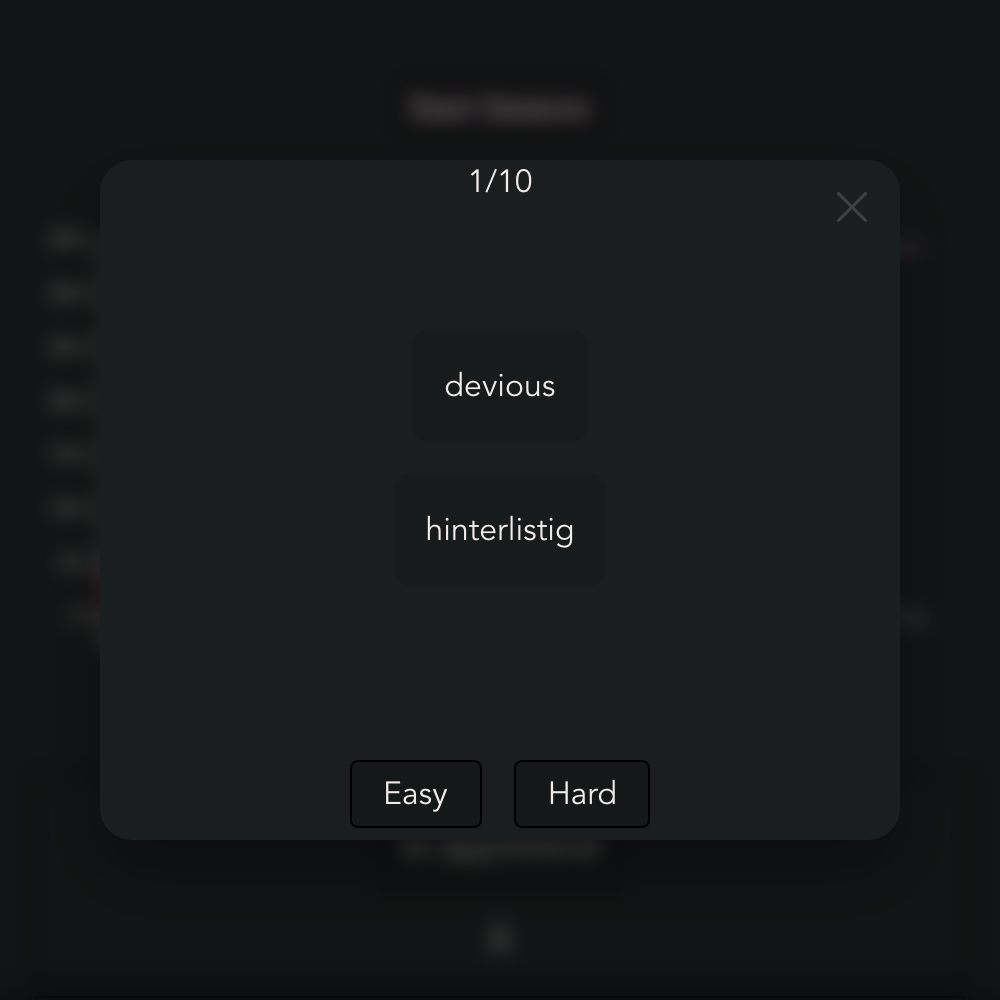
Flashcards can be practiced in an interactive mode. When stepping through the flashcards, a rating can be provided, which will re-prioritize the flashcards in the next session.
Available on Mobile
Beta available on iOS. Coming soon on all other platforms.
TestFlight